You're Paying for Contractor Scheduling Software You Already Own


Why do contractors end up with five different apps?
It happens one bill at a time.
You sign up for a scheduling app so people can book a slot. A month later you add a tool to send invoices. Then a service to show your Google reviews on your site. Then a spreadsheet to track customers, because the other tools do not.
None of it was a bad call on its own. But stack it all up and you end up with five logins, five monthly charges, and five tools that do not talk to each other.
Your lead form does not know about your CRM. Your CRM does not know about your invoices. And you are the one copying info from one app to the next.
What is all of this actually costing you?
More than you think. And not just in money.
Look at a normal setup. Standalone contractor scheduling software runs around $12 to $16 per user each month. An invoicing tool adds another $20 to $35. A review widget service can run $20 to $100. A basic CRM creeps past $25 per user. Add a form builder on top.
That is often $150 to $200 a month, spread across bills you forgot you signed up for.
But the real cost is the cracks. A lead fills out your form at 9pm. The email sits in your inbox. Nobody copies it into the CRM. Nobody sends the quote. Two days later that homeowner hires the contractor who called back first.
That is not a software problem. That is a money problem. Every tool that does not connect is one more place a job can slip away.
What does an all-in-one contractor platform replace?
Here is what you stop paying for when everything lives in one place. If you are a Footbridge Media client, all of this is already sitting in your dashboard.
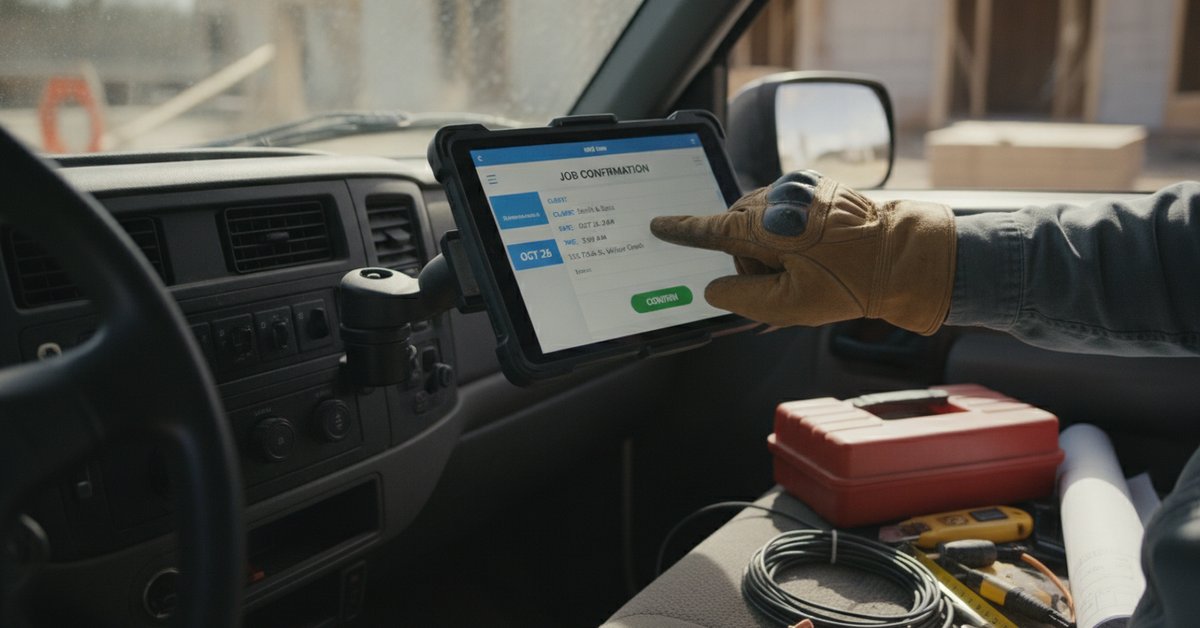
Online booking. Put a booking widget in a form on your site. A customer picks a service, a date, and a time. It drops onto your calendar on its own, and the system emails them a reminder 24 hours before the job. You can even send repair jobs to one crew and installs to another.
A real contractor CRM. Every lead from a proper form does not just email you. It creates or updates a customer record, and it will not make duplicates. You can tag people as a lead, an active customer, a past customer, or a vendor.
Quotes and invoicing. Send a clean quote with line items, taxes, and a "good through" date that nudges people to decide. Turn it into an invoice in a couple clicks. Payments run through your own Stripe account, not a middleman. Refunds, credits, and check payments are all handled.
Recurring billing. Package your maintenance plans as subscriptions that bill on their own until you cancel them. Annual tune-ups. Gutter cleaning plans. Predictable money that shows up whether the phone rings or not.
Google reviews on your site. Connect your Google Business Profile, then build a review widget that only shows your 4 and 5 star reviews. Drop it on your homepage. It updates itself. You can reply to reviews right from the dashboard too.
One login. One system. The form feeds the CRM, the CRM feeds the quote, the quote becomes the invoice, and the invoice ties back to the job on your calendar. Nothing gets copied by hand. Nothing falls through.
So what should you do this week?
Open the tabs you have been ignoring.
Before you renew that scheduling app next month, or sign up for one more tool because a competitor mentioned it, log into your dashboard and click around. The booking section. The reviews area. Subscriptions.
Cancel the duplicate. Keep the money.
There is a good chance the thing you were about to pay for is already there. Already on. Already free.
Frequently Asked Questions
No. Separate apps are the old way. An all-in-one contractor platform handles scheduling, a CRM, quotes, invoicing, payments, and reviews in one login, so your data stays connected and nothing gets rekeyed by hand.
The best scheduling software for contractors is the one that connects to the rest of your business. A booking tool that dumps appointments somewhere your CRM and invoices cannot see just creates more copy-paste work. Look for booking that writes straight to your calendar and customer records.
Yes. With a booking widget on your site, a customer picks a service, date, and time, and the appointment lands on your calendar automatically. The Footbridge Dashboard also sends the customer a reminder email before the job.
Bought separately, scheduling, invoicing, CRM, and review tools often total $150 to $200 a month. An all-in-one platform folds those into one price. For Footbridge clients on the core marketing program, the dashboard is included at no extra cost.
A contractor CRM is where you keep your customers, their history, and where they sit in your pipeline. You need one the moment your customer list outgrows your phone contacts. It is what lets you follow up on leads instead of losing them.
Not sure where a feature lives or how to set it up? Send us a request straight from your dashboard and we will walk you through it. It is what we are here for.
What Should We Do Next?
What new or feature would you love to see included in the Footbridge Dashboard? You can help us choose! Complete this form with your feature suggestion and it will go straight to our developers for future launches.


About Aaron O'Hanlon
Aaron O'Hanlon is the CEO and Co-Founder of Footbridge Media, a digital marketing agency, specializing in the contracting industry. It is his mission to create awareness of marketing online to the home improvement industry and to educate, inform, and assist contractors in taking over their own online presence.