You Know What You Charged. Do You Know What the Job Actually Cost You?
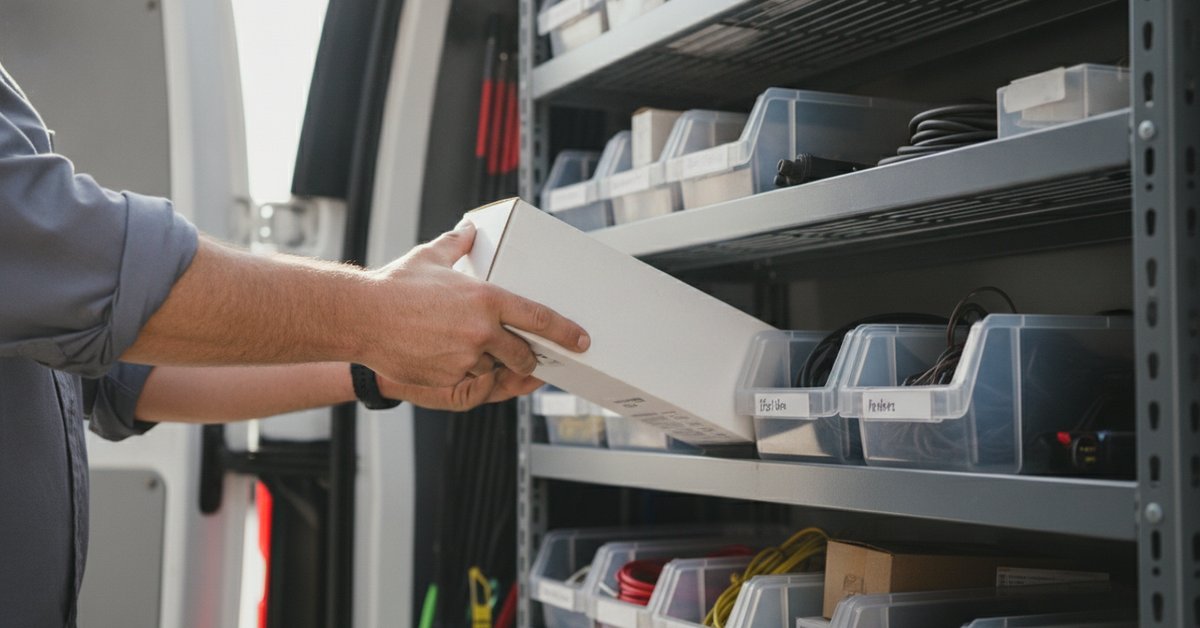


Quick answer: Job costing means comparing what a job brought in against what it cost you in parts, chemicals, and materials. In the Footbridge Dashboard, you set up those materials as items with inventory tracking. As you bill them on invoices, the stock deducts, so you have a record of what each job used.
Here is why that changes how you run the business.
Why does a busy month sometimes leave you broke?
Because revenue and profit are not the same thing, and most contractors only track one of them.
You know what you charged. That part is easy. The invoices tell you. What is fuzzy is what each job actually cost you once you count the parts, the chemicals, the materials off the truck.
So you end the month "slammed," the deposits look healthy, and somehow the bank account does not agree. You were busy. You just cannot say which of those jobs made money and which ones quietly ate it.
What does guessing on cost actually do to you?
It hides your losers and lets them keep running.
Here is how it plays out. You have a job type you love because the ticket looks big. But it burns through expensive materials, and once you count them, the margin is thin or gone. Meanwhile a smaller job you barely think about is pure profit. If you are not tracking cost against revenue, you cannot tell them apart. So you keep chasing the big-looking job that loses money and underselling the one that prints it.
It gets worse at the edges. When nobody tracks materials, stock walks off or runs out in the middle of a job, so now you are making a parts-store run instead of finishing. And at tax time, your accountant gets a shoebox of receipts and guesses at your numbers, which means your profit and loss statement is a rough sketch instead of a real answer.
None of that is a sales problem. It is a visibility problem. You cannot fix a margin you cannot see.
How the dashboard gives you the details you are missing
You already track the money coming in. What you do not have is a record of what went out the truck. The items feature gives you those details.
Here is how it works, using the Products and Services (items) tools built into your dashboard.
- Set up your parts and chemicals as items. Your catalog is not just the services you sell. Add the materials you use too. Each item can carry inventory, so the dashboard knows how much you have on hand.
- Turn on inventory tracking. You can track stock at the product level, or at the price level if an item comes in different sizes or variations you want to count separately. Set your stock amount and you have a live count instead of a guess.
- Let invoices do the counting for you. When you build an invoice for a job and add the items you used, the stock deducts automatically. One important detail: the count comes off when the invoice is finalized, not when it gets paid. Your inventory reflects what actually went out the door.
- Stop overselling stock you do not have. Turn on "prevent backordering" and the dashboard will not let an invoice finalize if you do not have enough of that item in stock. That is your early warning to reorder before a job stalls.
Now put the two halves together. The invoice shows what the job brought in. The items and inventory show exactly what it consumed, down to the unit. You already know what you pay your supply house. Put those two numbers side by side and you are job costing, which is the difference between "we were busy" and "we made money."
What should you do this week?
Start with one job type.
Pick the service you run most and add the parts and chemicals it uses as items in your dashboard. Turn on inventory tracking and set your current stock. Then build your next invoice for that job with those items on it, and watch the stock deduct. That one setup replaces the guess with a hard count of what the job used. Price that count out and you have profit per job, not just revenue.
Know your numbers. Keep more of what you earn.
Want help setting up your items and inventory so you can see profit per job? Current Footbridge Media clients can send us a request from your dashboard and we will walk through it with you. It is what we are here for.
The Footbridge Dashboard is included for all of our Contractor Marketing Program members. Find out why thousands of home service pros have used the complete contractor marketing program and to get more leads and grow their businesses.
Get A Contractor Marketing System, Built Just For Home Service Pros Like You


About Aaron O'Hanlon
Aaron O'Hanlon is the CEO and Co-Founder of Footbridge Media, a digital marketing agency, specializing in the contracting industry. It is his mission to create awareness of marketing online to the home improvement industry and to educate, inform, and assist contractors in taking over their own online presence.